Synchronized Event Timeline
No more playing detective to pull together diagnostic data! Olis aligns weeks of video, event conditions, and historical state - all in one place
Deploys directly on your floor — no cloud dependency, no fancy IT infrastructure, no data leaving the building.
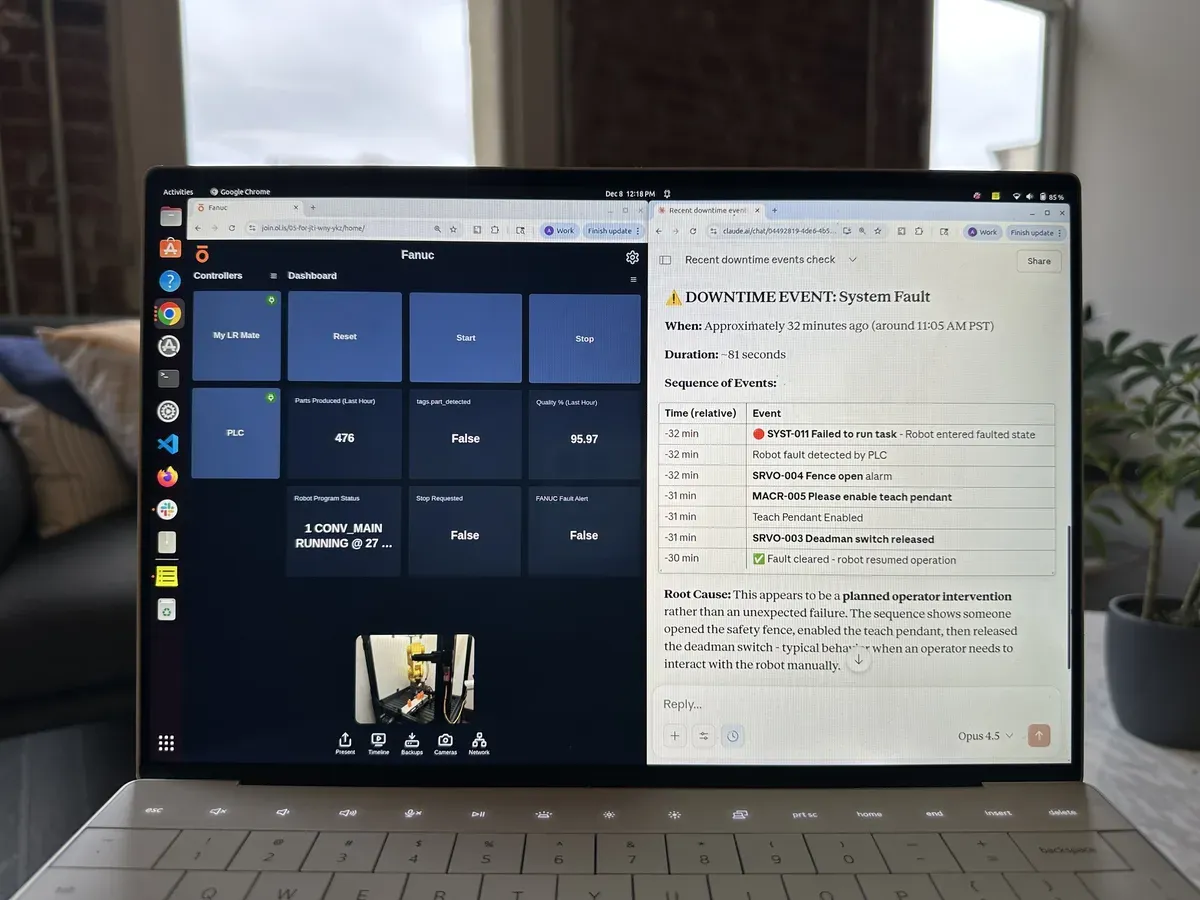
Framework-agnostic. Point any agent — Claude, GPT, custom — at system data.
Connect your agents without managing credentials. Authentication is handled at the edge layer.
AI actions are gated and supervised. Agents can observe and advise.
Expose PLC signals, video streams, and machine state that has never been accessible to AI before.


Download the app on our suggested android tablets
Use our USB-C to Ethernet adapter to connect to your controller
Monitor, diagnose, and troubleshoot your automation systems in real-time
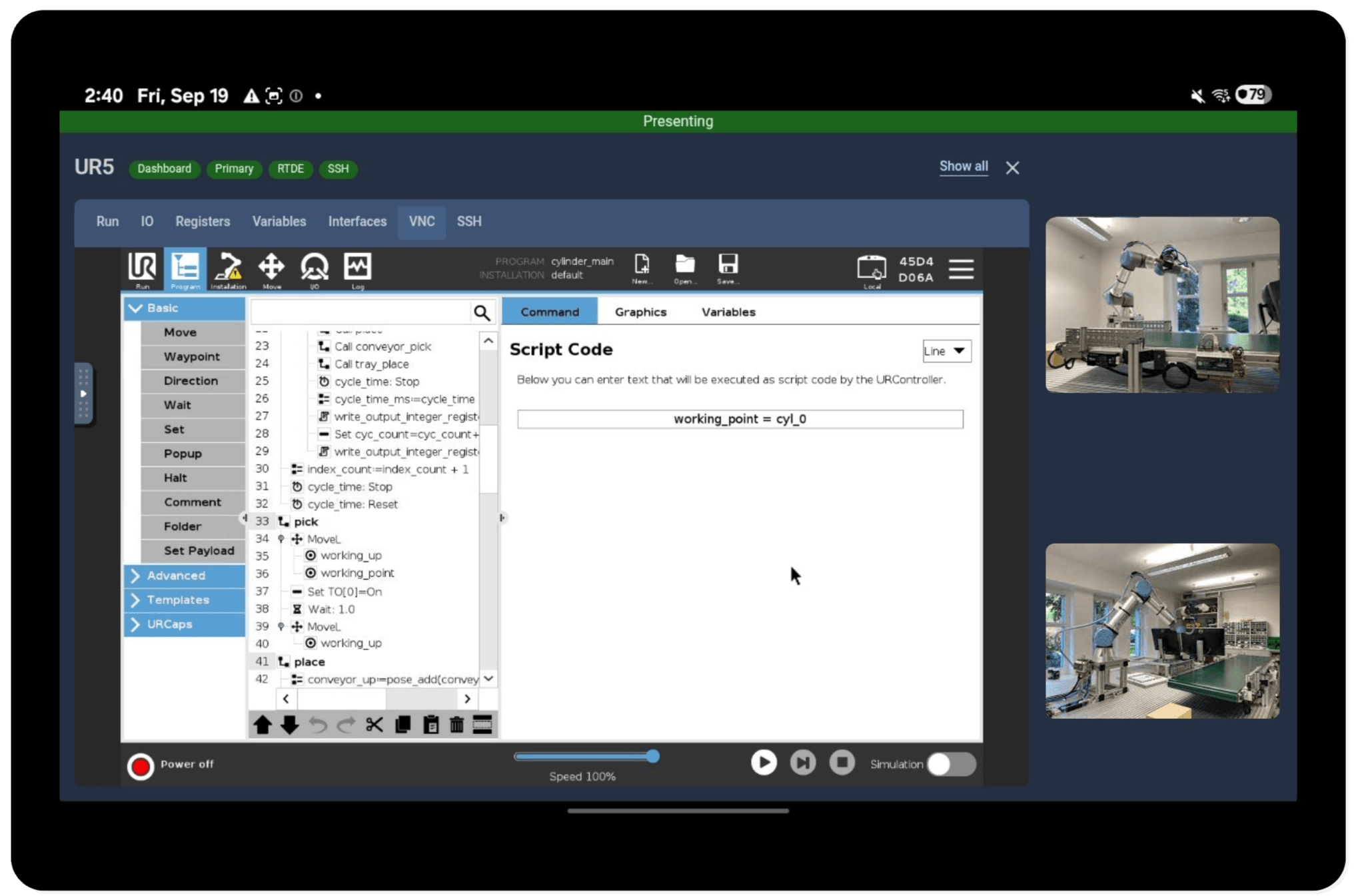
Operate the UR Teach Pendant Remotely – Control and interact with your Universal Robots controller directly through the Olis app interface
Secure Built-in SSH Access – Connect to your robot's controller over an integrated SSH terminal for streamlined diagnostics and advanced configuration
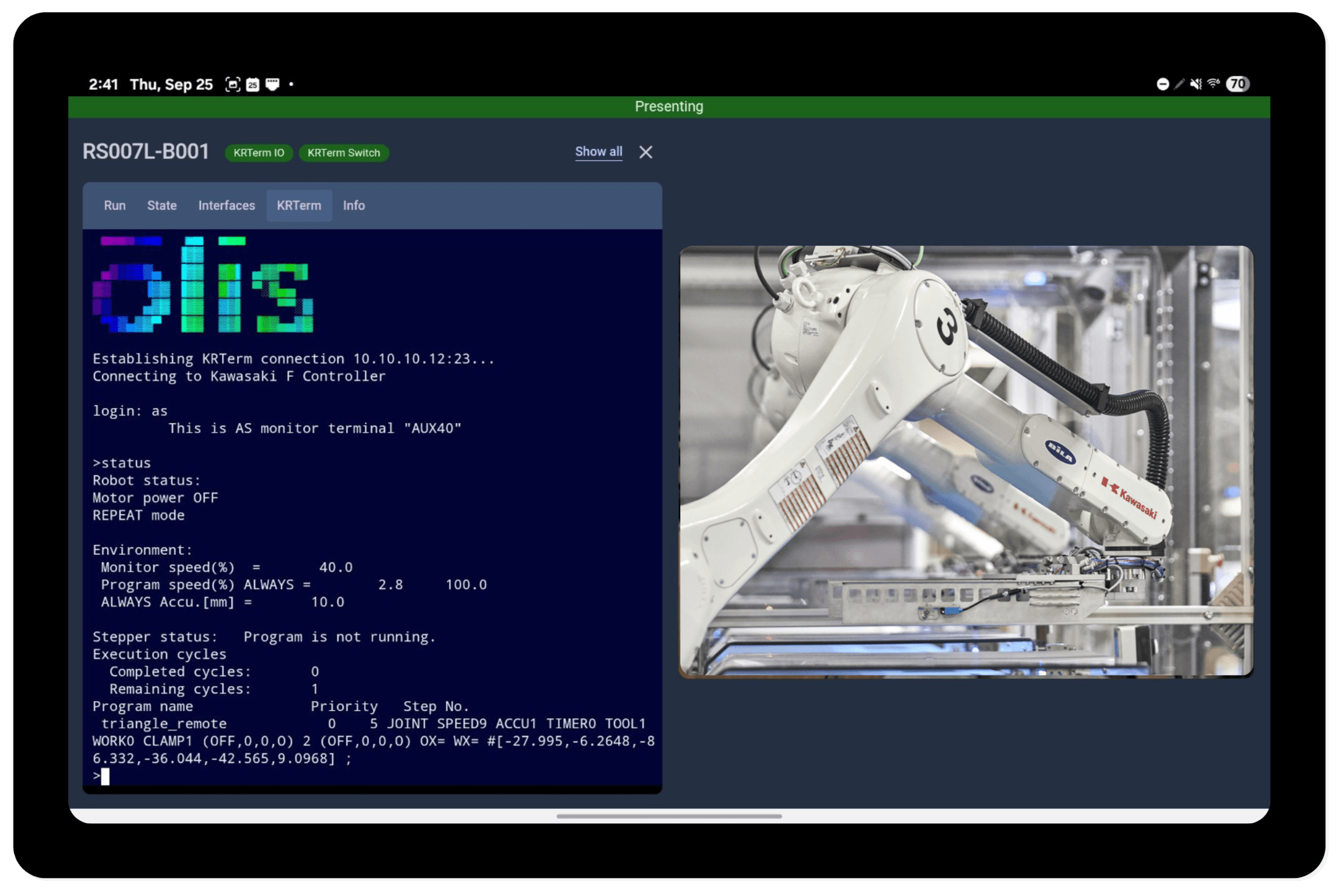
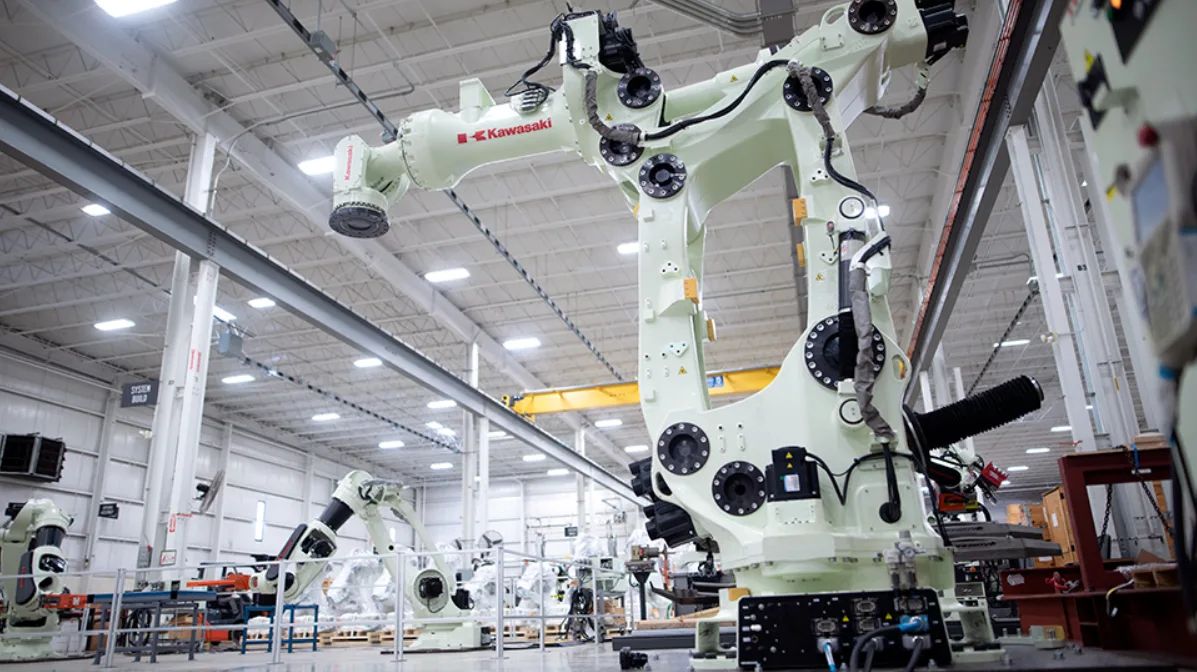
Integrated KRTerm Terminal – Perform hands-on technical tasks, including uploading and downloading backups, directly through the Olis app interface
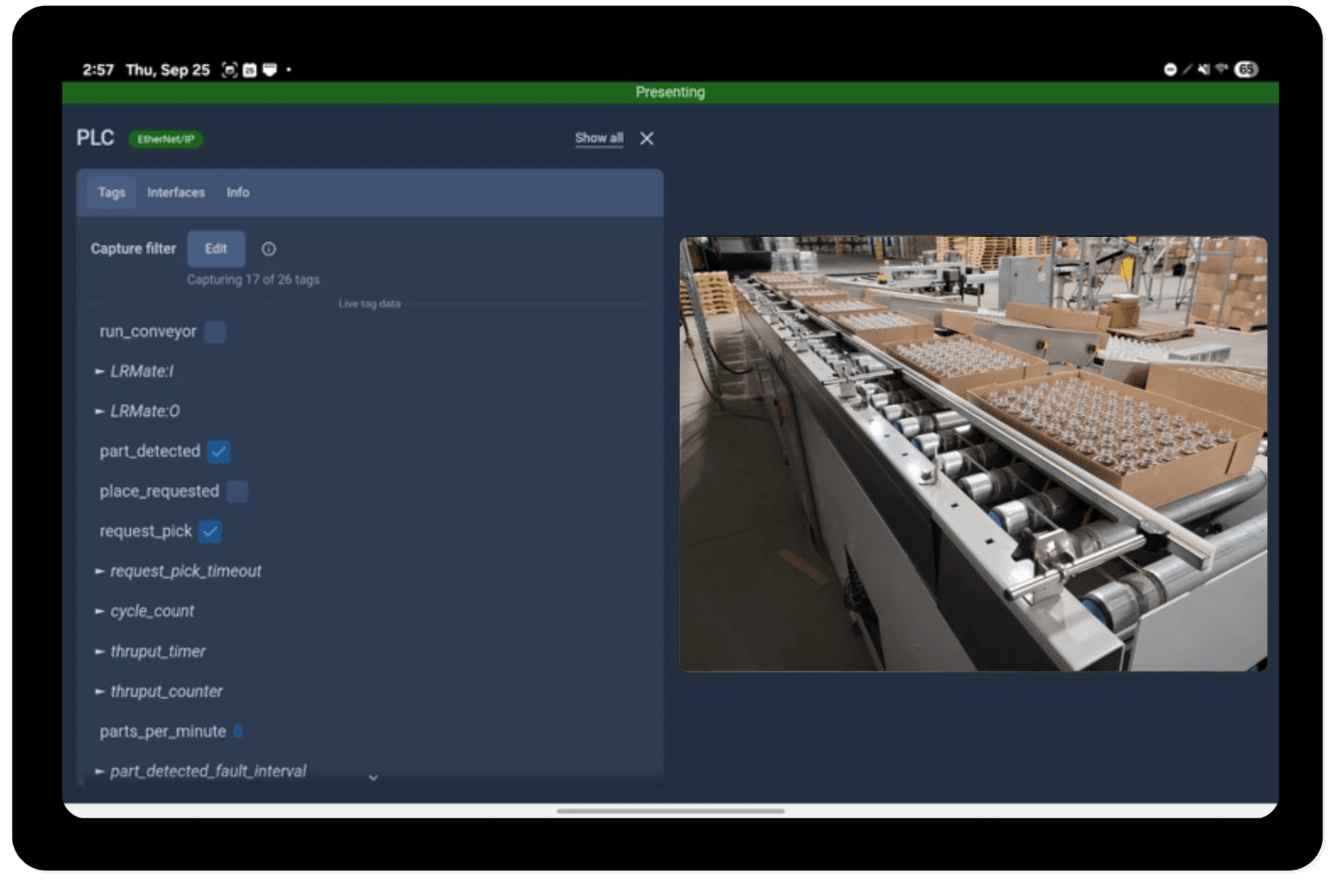
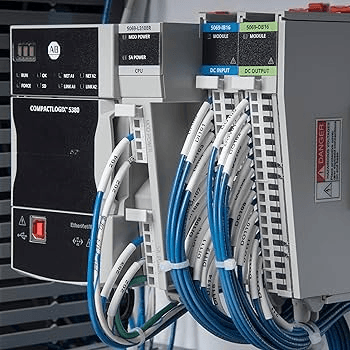
Remote Studio 5000 Access – Connect to your PLC and edit code from anywhere to streamline programming and minimize downtime
Filterable PLC Tag List – View and search PLC tags alongside their real-time values
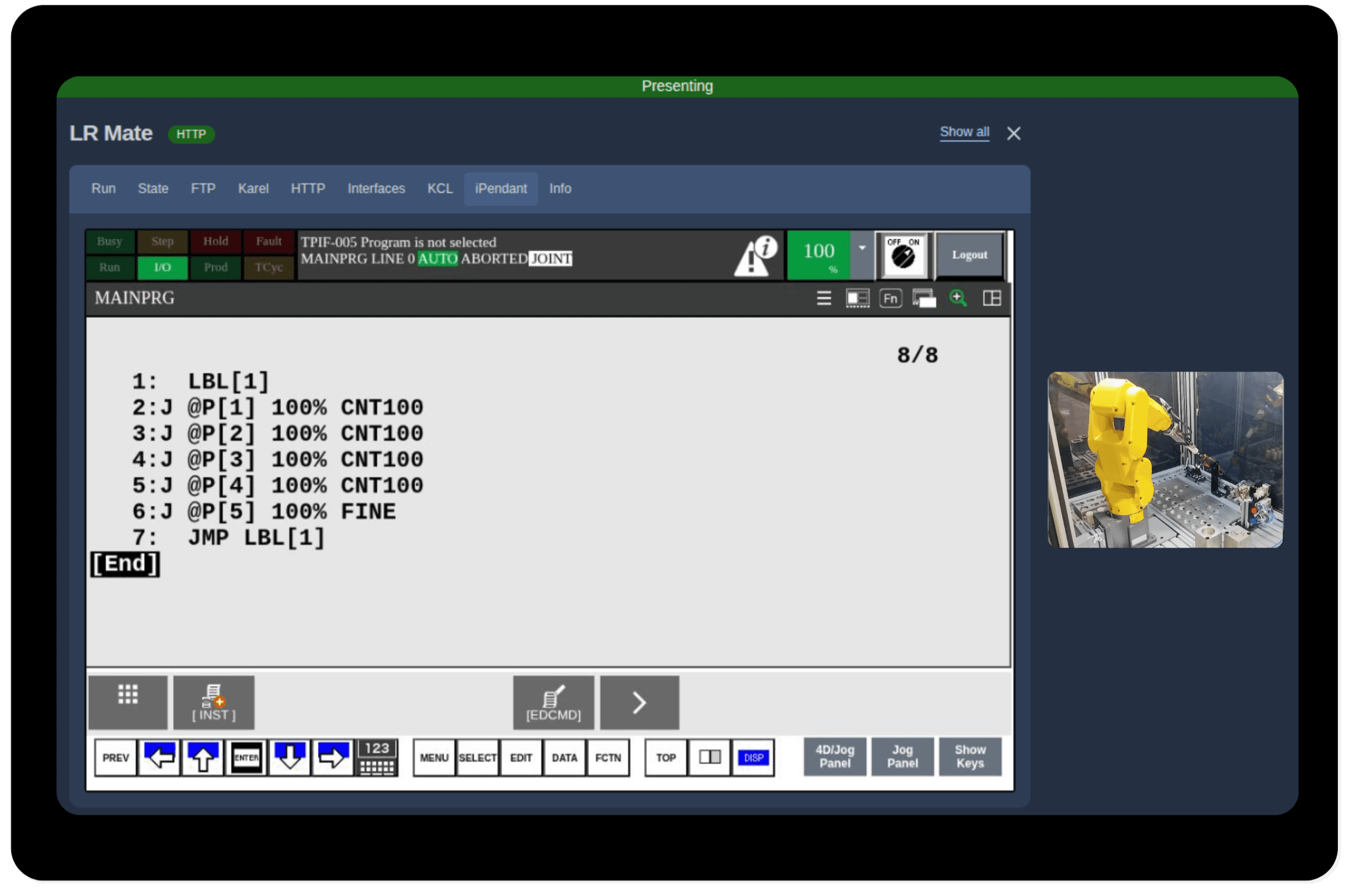
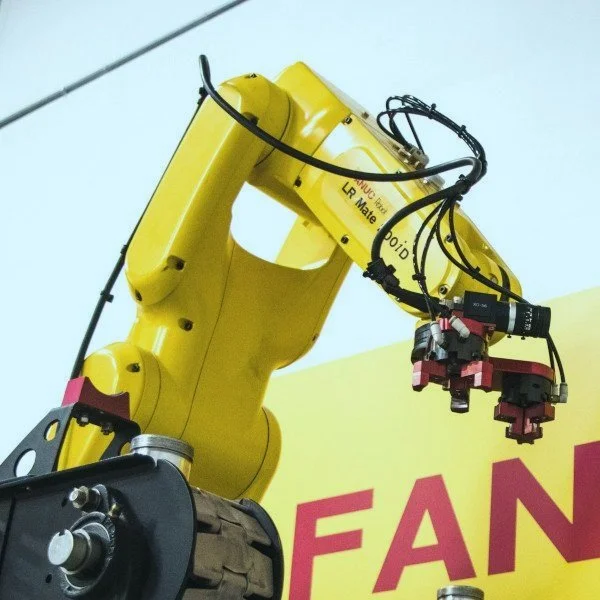
Operate the FANUC Remote iPendant – Control and interact with your FANUC robot controller directly through the Olis app interface
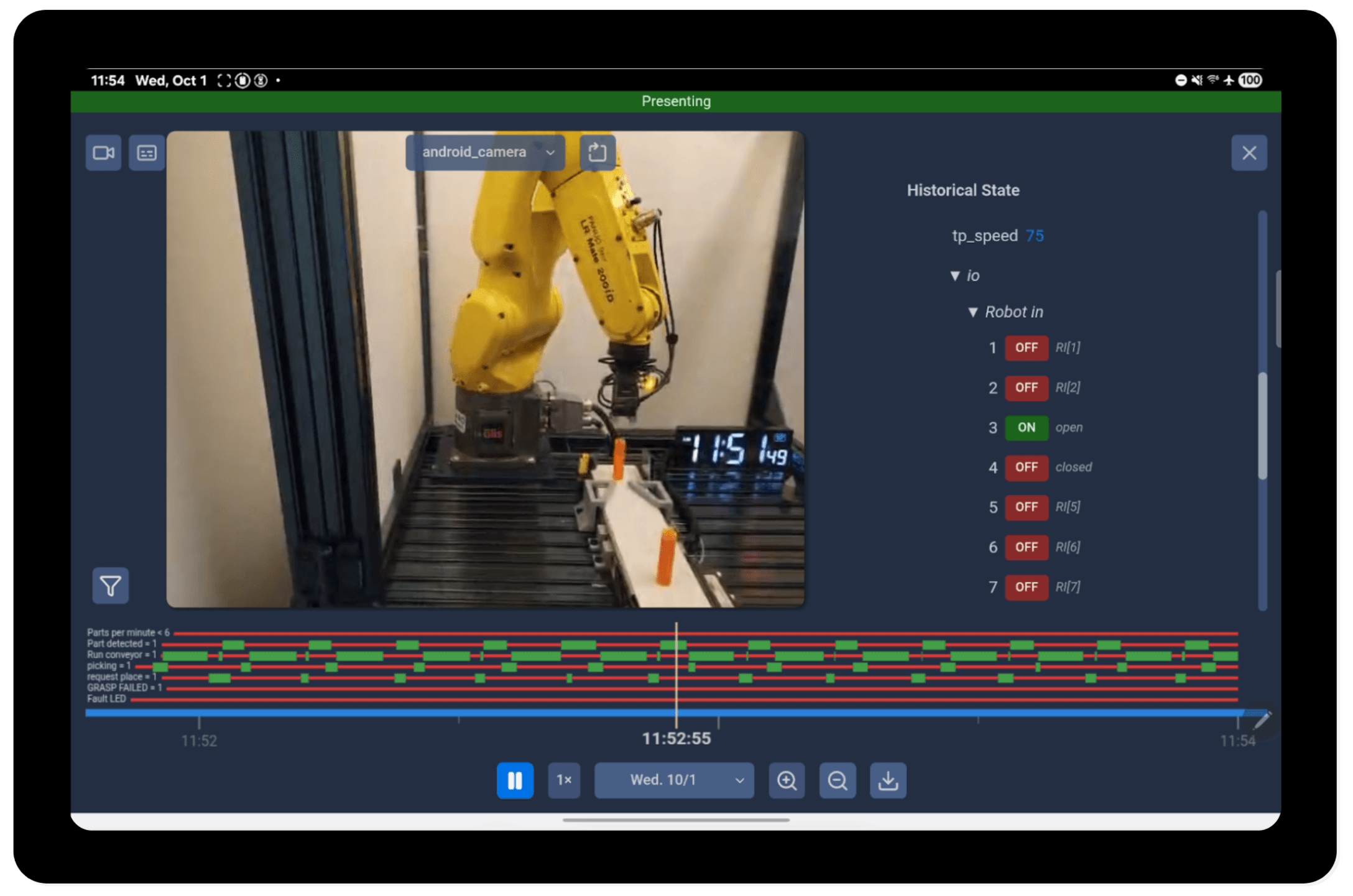
No more playing detective to pull together diagnostic data! Olis aligns weeks of video, event conditions, and historical state - all in one place
Features in action
"Technologies like Olis provide so much more information, so much more quickly, enabling us to solve problems faster than before."
Chief Controls Engineer at Pearson Packaging
The app runs best if you use the recommended tablet.
*Can be ordered from Amazon or picked up from your local Best Buy
Such that the tablet can communicate with the robot controllers/PLCs. We recommend this one since you can charge and use Ethernet simultaneously.
This app allows integrators and end-users to monitor and troubleshoot robots locally or remotely without a complex setup. Centralized operational data from Olis enables faster debugging and reduces time spent traveling, guessing, and gathering information.
License key and download link sent instantly via email